How to Choose the Right Server Rack Cabinet
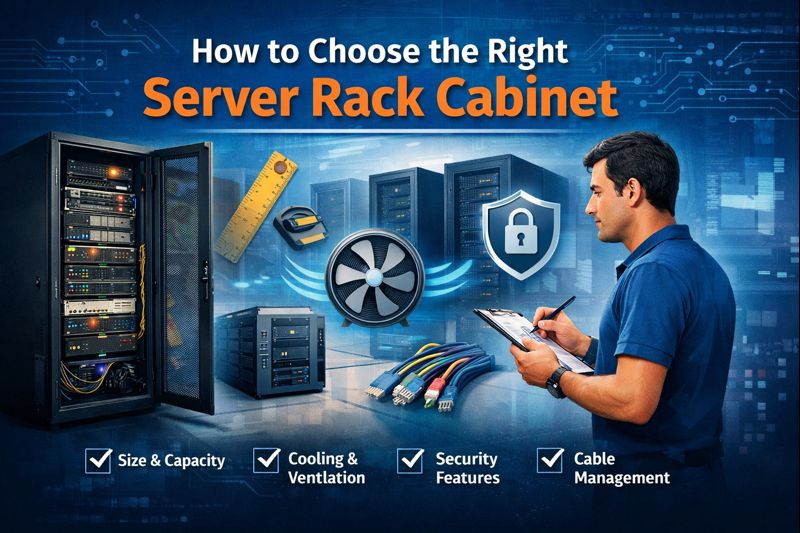
Selecting the right server cabinet is one of the most important decisions when establishing or upgrading your IT system. Whether you are managing a small office network or a massive data centre, the cabinet for your server will directly impact the security of your equipment, airflow, scalability, and overall performance. An unsuitable cabinet can cause cables to overheat or lead to other maintenance issues, resulting in unnecessary expenses later.
In this comprehensive guide, we'll cover all the necessary information to make the right choice when selecting a Rack cabinet for your server, beginning with the rack's dimensions, then proceeding to security, ventilation, and expansion. If you're looking to invest in a quality system, this guide will help you make an informed choice.
Understanding What a Server Rack Cabinet Is
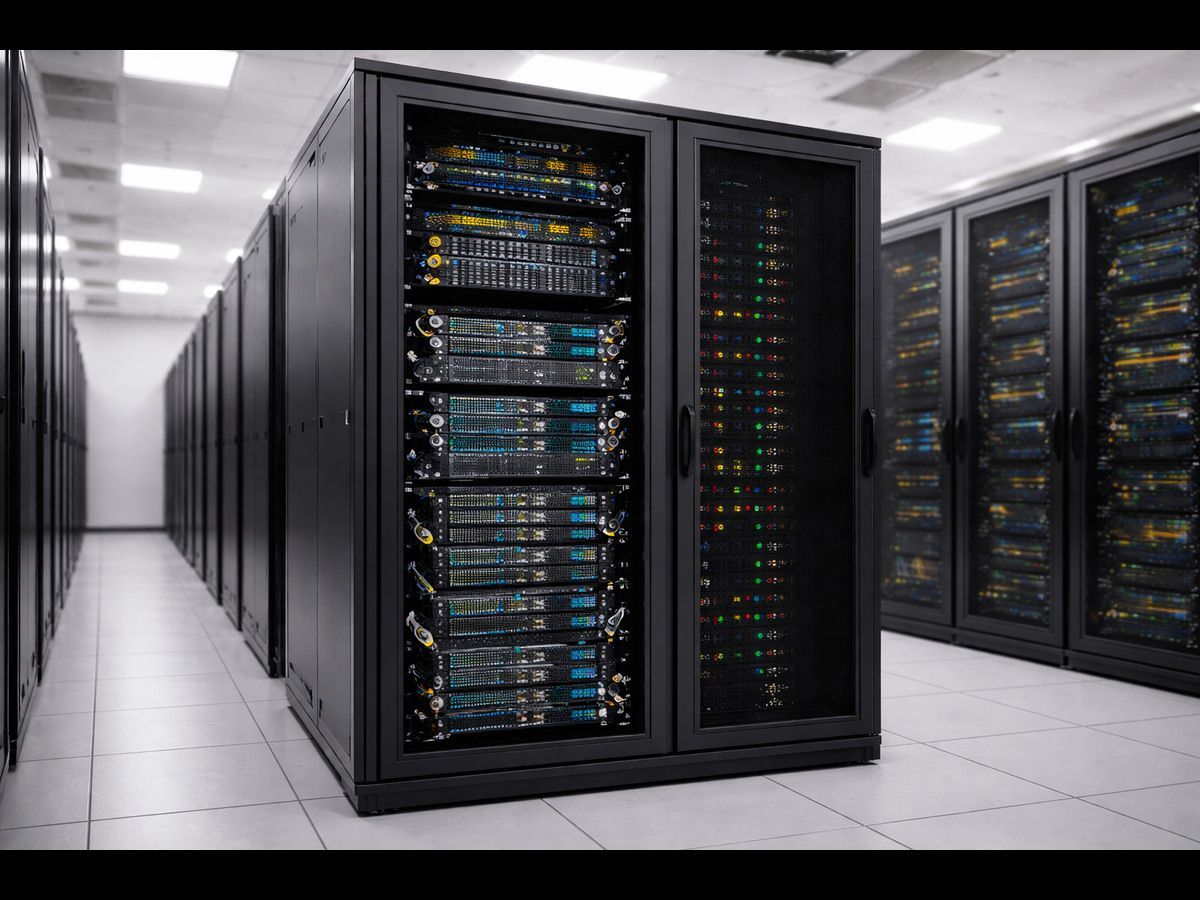
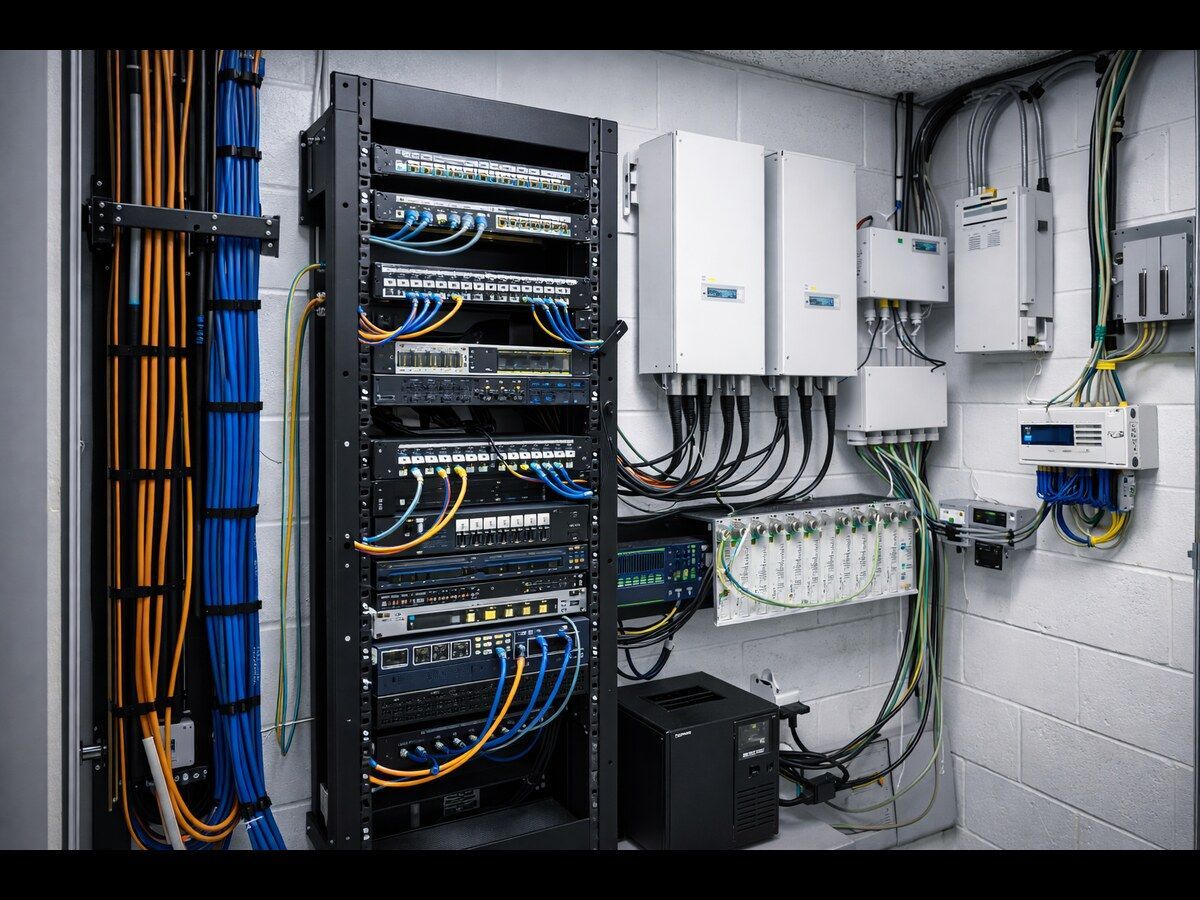
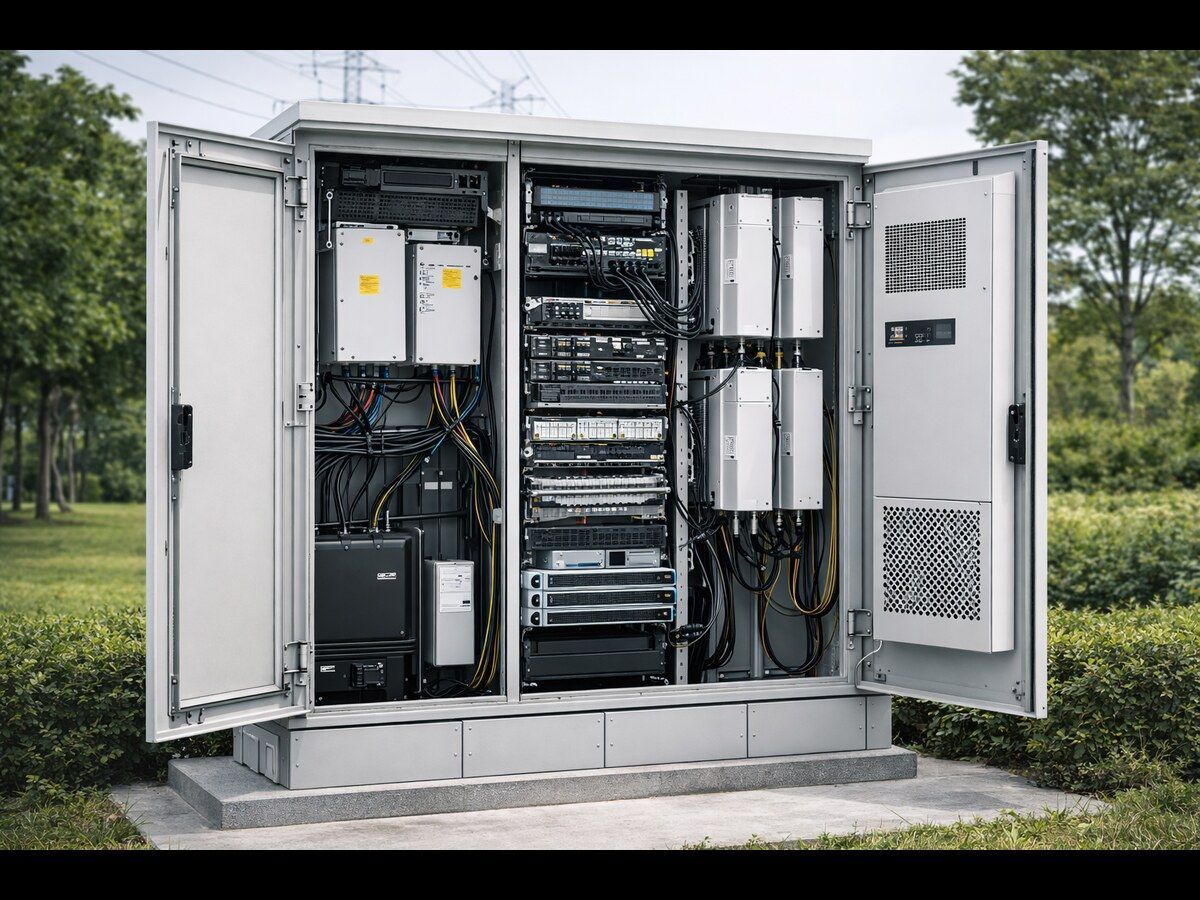
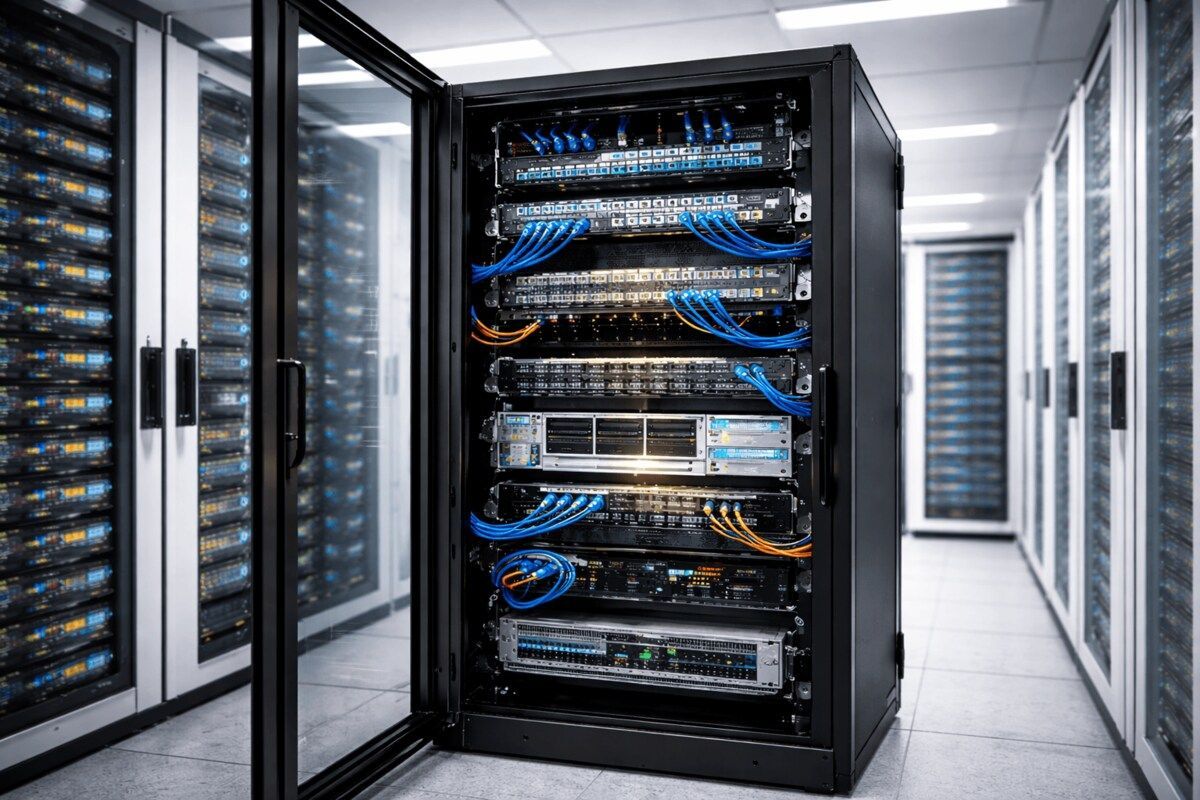
Cabinets for server racks are sealed structures designed to house servers, networking equipment, patch panels, switches, and electrical distribution networks. Unlike open racks, cabinets are protected by airflow and a closed enclosure, providing enhanced security and making them ideal for professional IT environments.
When choosing the most suitable rack for servers, it's crucial to ensure the cabinet's style is compatible with the equipment you're currently using, and that the available installation area and operating needs are met.
Step 1: Determine the Right Rack Size (Height, Width, and Depth)
Rack Height (Measured in U)
Server racks and cabinets are measured in rack units (U), where 1U equals 1.75 inches. The most popular sizes include 12U, 18U, 27U, and 45U.
- Smaller offices or areas may require only a small rack.
- Growing businesses should consider building racks to accommodate future expansion.
Make sure to measure your current equipment's height before adding 20-30 per cent more space. This will ensure your server cabinet is not overcrowded in a single year.
Rack Width
The majority of server racks use an industry-standard 19-inch width. This is compatible with a broad range of server and networking equipment. Standardization of this kind makes it much easier to install and upgrade equipment.
Rack Depth
It's a common element, but it is crucial. The UPS system, servers and other equipment for managing cables vary in their depth.
- Shallow racks are suitable for networking equipment.
- Deep server racks are essential for providing the highest-quality, high-powered servers.
Step 2: Choose Between Floor-Standing and Wall-Mount Cabinets
Floor-Standing Server Rack Cabinets
They are perfect for data centers, servers, and environments with many servers.
Benefits:
- A greater capacity for weight
- More room for cooling and the control of cables
- Easy scalability
Wall-Mount Server Rack Cabinets
Perfect for small offices and retail stores.
Benefits:
- Space-saving design
- Lower cost
- Easier installation for light equipment
The choice of a suitable server rack is determined by the available floor space and the equipment's weight.
Step 3: Consider Load Capacity and Build Quality
Server cabinets aren't all constructed the same way. Be sure to verify both dynamic and static capacity for the load.
- Heavy servers and UPSs require a large, heavy-duty cabinet.
- Look for frames that are strengthened and made from high-quality steel, with durable finishes.
A sturdy Server rack cabinet provides long-term stability for your server and protects important IT assets from damage.
Step 4: Airflow and Cooling Are Critical
Overheating is one of the main dangers to servers. Finding the most suitable server rack cabinet that allows airflow is vital.
Ventilation Features to Look For:
- Doors with perforations at the rear and front
- Side ventilation panels
- Optional Fan Mounting
- Compatible with equipment for cooling
Proper airflow ensures equipment runs effectively, minimizing the risk of service interruptions.
Step 5: Cable Management and Accessibility
Unorganized cables can impede airflow, making maintenance challenging. A properly designed server rack cabinet should have cables that are clearly organized.
The most important characteristics of cable management are:
- Cable managers for vertical and horizontal cables
- The wire entry points are located at the top and bottom
- Side panels that can be removed allow easy access
Effective cable management reduces time, improves airflow, and makes your setup look professional.
Step 6: Security and Access Control
Security is the primary reason why many companies utilize closed server rack cabinets.
Verify:
- Doors that are locked in the rear and front
- Lockable side panels
- Strong hinges and solid locks
A secure server rack cabinet protects sensitive equipment from unauthorized access and accidental damage or alteration.
Step 7: Plan for Future Expansion
A common error is buying cabinets that were not designed to meet today's requirements. Technology is constantly changing; therefore, your equipment must be up to date.
When you are deciding on the ideal rack server cabinet, think about:
- Are there plans to add more servers in the next few years?
- Do I require room for backup or monitoring systems? Devices?
- How can cable density be improved?
The planning process can help you save money and reduce the stress of replacing cabinets in the middle of the year.
Why Choose an Iceberg Cabinet for Server Rack Cabinets?
The team at Iceberg Cabinet recognize that each IT configuration is unique and has specific requirements. The server rack cabinets we provide are built for long-term robustness, precision, and flexibility. If you need a small cabinet or a large-scale cabinet to house data centres, Iceberg Cabinet provides reliable solutions that ensure adequate airflow, secure enclosures, and easy scalability.
If you decide to purchase Iceberg Cabinet, you're investing in the highest-quality server rack cabinets that offer longevity and durability, along with professional-grade infrastructure.
Common Mistakes to Avoid When Choosing a Server Rack Cabinet
Ignoring future expansion needs- Selecting the wrong rack depth
- Airflow and cooling options are not considered
- Not checking load capacity
- Unplanned management of cables can lead to a loss of cables
Beware of these errors to ensure the server rack runs efficiently for a long time.
Final Thoughts
Deciding which rack for your server is most appropriate will affect the security, efficiency and capacity of your IT infrastructure. From selecting the proper size and type to ensuring your airflow is working, and your IT infrastructure is in good condition. Every single detail is vital.
A well-chosen server rack cabinet is more than a storage device; it's the basis of a well-organized, stable network.
Frequently Asked Questions (FAQs)
1. What size rack do I need?
The optimal size will be determined by your equipment's depth and height, as well as your expansion plans. Always calculate the total rack units and then add space to allow for expansion.
2. What's the difference between server racks and cabinets to serve server storage?
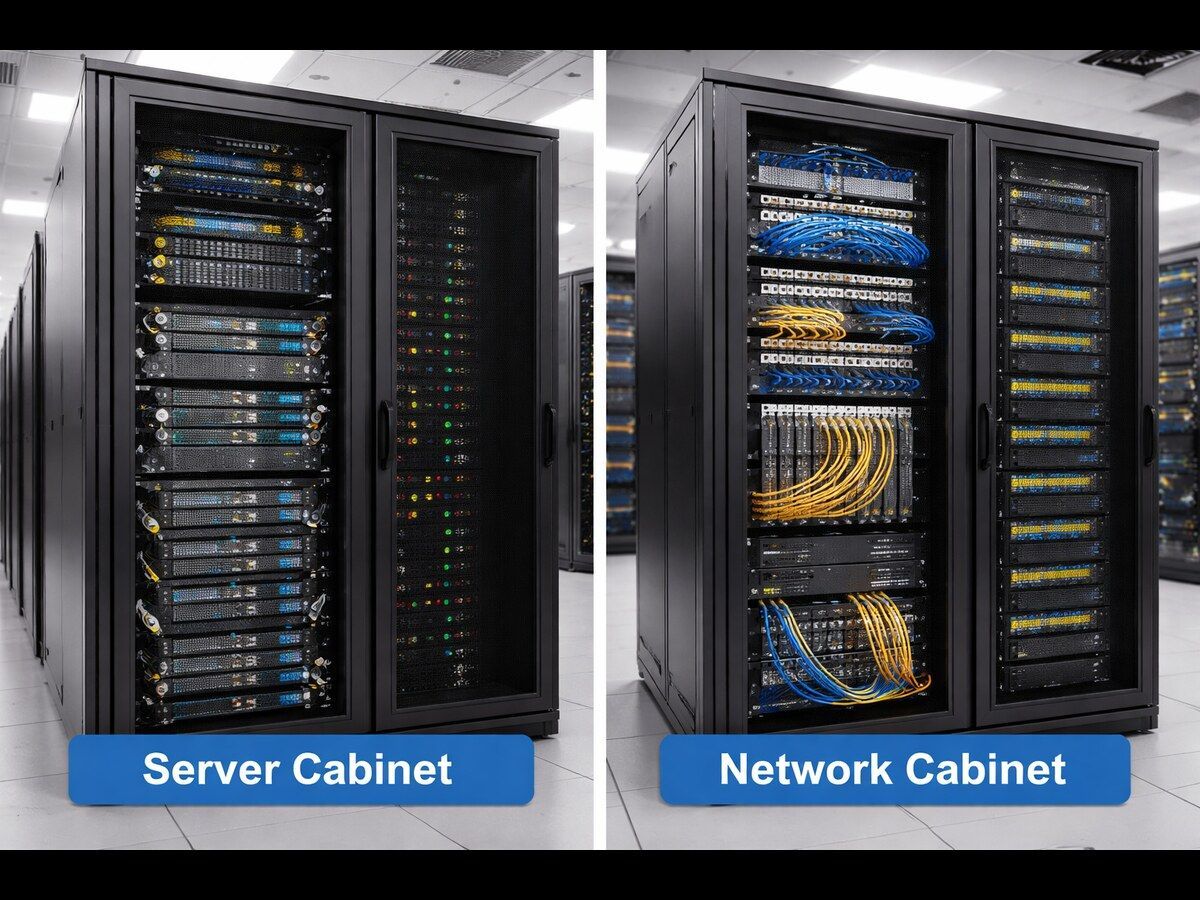
Server racks are generally open-frame. Server rack cabinets may be closed. This offers additional security and control of airflow.
3. What is the significance of the ventilation in the cabinet for servers?
Ventilation is essential. Lack of airflow can cause overheating and even equipment failure. Always choose a server rack cabinet that has adequate airflow.
4. Do I need to install a wall-mounted server rack to keep servers?
Wall-mount cabinets are great for small servers or networking equipment. Servers with heavy loads usually require their own server racks.
5. What should I be thinking about when considering the growth that is coming to the Server rack?
The planning process can save you time and money. A cabinet with additional capacity lets you upgrade equipment without having to replace the entire rack later.
Selecting the right server cabinet is one of the most important decisions when establishing or upgrading your IT system. Whether you are managing a small office network or a massive data centre, the cabinet for your server will directly impact the security of your equipment, airflow, scalability, and overall performance. An unsuitable cabinet can cause cables to overheat or lead to other maintenance issues, resulting in unnecessary expenses later.
In this comprehensive guide, we'll cover all the necessary information to make the right choice when selecting a Rack cabinet for your server, beginning with the rack's dimensions, then proceeding to security, ventilation, and expansion. If you're looking to invest in a quality system, this guide will help you make an informed choice.
Understanding What a Server Rack Cabinet Is
Cabinets for server racks are sealed structures designed to house servers, networking equipment, patch panels, switches, and electrical distribution networks. Unlike open racks, cabinets are protected by airflow and a closed enclosure, providing enhanced security and making them ideal for professional IT environments.
When choosing the most suitable rack for servers, it's crucial to ensure the cabinet's style is compatible with the equipment you're currently using, and that the available installation area and operating needs are met.
Step 1: Determine the Right Rack Size (Height, Width, and Depth)
Rack Height (Measured in U)
Server racks and cabinets are measured in rack units (U), where 1U equals 1.75 inches. The most popular sizes include 12U, 18U, 27U, and 45U.
- Smaller offices or areas may require only a small rack.
- Growing businesses should consider building racks to accommodate future expansion.
Make sure to measure your current equipment's height before adding 20-30 per cent more space. This will ensure your server cabinet is not overcrowded in a single year.
Rack Width
The majority of server racks use an industry-standard 19-inch width. This is compatible with a broad range of server and networking equipment. Standardization of this kind makes it much easier to install and upgrade equipment.
Rack Depth
It's a common element, but it is crucial. The UPS system, servers and other equipment for managing cables vary in their depth.
- Shallow racks are suitable for networking equipment.
- Deep server racks are essential for providing the highest-quality, high-powered servers.
Step 2: Choose Between Floor-Standing and Wall-Mount Cabinets
Floor-Standing Server Rack Cabinets
They are perfect for data centers, servers, and environments with many servers.
Benefits:
- A greater capacity for weight
- More room for cooling and the control of cables
- Easy scalability
Wall-Mount Server Rack Cabinets
Perfect for small offices and retail stores.
Benefits:
- Space-saving design
- Lower cost
- Easier installation for light equipment
The choice of a suitable server rack is determined by the available floor space and the equipment's weight.
Step 3: Consider Load Capacity and Build Quality
Server cabinets aren't all constructed the same way. Be sure to verify both dynamic and static capacity for the load.
- Heavy servers and UPSs require a large, heavy-duty cabinet.
- Look for frames that are strengthened and made from high-quality steel, with durable finishes.
A sturdy Server rack cabinet provides long-term stability for your server and protects important IT assets from damage.
Step 4: Airflow and Cooling Are Critical
Overheating is one of the main dangers to servers. Finding the most suitable server rack cabinet that allows airflow is vital.
Ventilation Features to Look For:
- Doors with perforations at the rear and front
- Side ventilation panels
- Optional Fan Mounting
- Compatible with equipment for cooling
Proper airflow ensures equipment runs effectively, minimizing the risk of service interruptions.
Step 5: Cable Management and Accessibility
Unorganized cables can impede airflow, making maintenance challenging. A properly designed server rack cabinet should have cables that are clearly organized.
The most important characteristics of cable management are:
- Cable managers for vertical and horizontal cables
- The wire entry points are located at the top and bottom
- Side panels that can be removed allow easy access
Effective cable management reduces time, improves airflow, and makes your setup look professional.
Step 6: Security and Access Control
Security is the primary reason why many companies utilize closed server rack cabinets.
Verify:
- Doors that are locked in the rear and front
- Lockable side panels
- Strong hinges and solid locks
A secure server rack cabinet protects sensitive equipment from unauthorized access and accidental damage or alteration.
Step 7: Plan for Future Expansion
A common error is buying cabinets that were not designed to meet today's requirements. Technology is constantly changing; therefore, your equipment must be up to date.
When you are deciding on the ideal rack server cabinet, think about:
- Are there plans to add more servers in the next few years?
- Do I require room for backup or monitoring systems? Devices?
- How can cable density be improved?
The planning process can help you save money and reduce the stress of replacing cabinets in the middle of the year.
Why Choose an Iceberg Cabinet for Server Rack Cabinets?
The team at Iceberg Cabinet recognizes that each IT configuration is unique and has specific requirements. The server rack cabinets we provide are built for long-term robustness, precision, and flexibility. If you need a small cabinet or a large-scale cabinet to house data centres, Iceberg Cabinet provides reliable solutions that ensure adequate airflow, secure enclosures, and easy scalability.
If you decide to purchase Iceberg Cabinet, you're investing in the highest-quality server rack cabinets that offer longevity and durability, along with professional-grade infrastructure.
Common Mistakes to Avoid When Choosing a Server Rack Cabinet
Ignoring future expansion needs- Selecting the wrong rack depth
- Airflow and cooling options are not considered
- Not checking load capacity
- Unplanned management of cables can lead to a loss of cables
Beware of these errors to ensure the server rack runs efficiently for a long time.
Also, check Why Telecom Cabinets Are Critical for Equipment Protection
Final Thoughts
Deciding which rack for your server is most appropriate will affect the security, efficiency and capacity of your IT infrastructure. From selecting the proper size and type to ensuring your airflow is working and your IT infrastructure is in good condition. Every single detail is vital.
A well-chosen server rack cabinet is more than a storage device; it's the basis of a well-organized, stable network.
Frequently Asked Questions (FAQs)
1. What size rack do I need?
The optimal size will be determined by your equipment's depth and height, as well as your expansion plans. Always calculate the total rack units and then add space to allow for expansion.
2. What's the difference between server racks and cabinets to serve server storage?
Server racks are generally open-frame. Server rack cabinets may be closed. This offers additional security and control of airflow.
3. What is the significance of the ventilation in the cabinet for servers?
Ventilation is essential. Lack of airflow can cause overheating and even equipment failure. Always choose a server rack cabinet that has adequate airflow.
4. Do I need to install a wall-mounted server rack to keep servers?
Wall-mount cabinets are great for small servers or networking equipment. Servers with heavy loads usually require their own server racks.
5. What should I be thinking about when considering the growth that is coming to the Server rack?
The planning process can save you time and money. A cabinet with additional capacity lets you upgrade equipment without having to replace the entire rack later.